




Description
Download Napster APK – Music Streaming, Offline Listening, Personalized Mixes
Overview
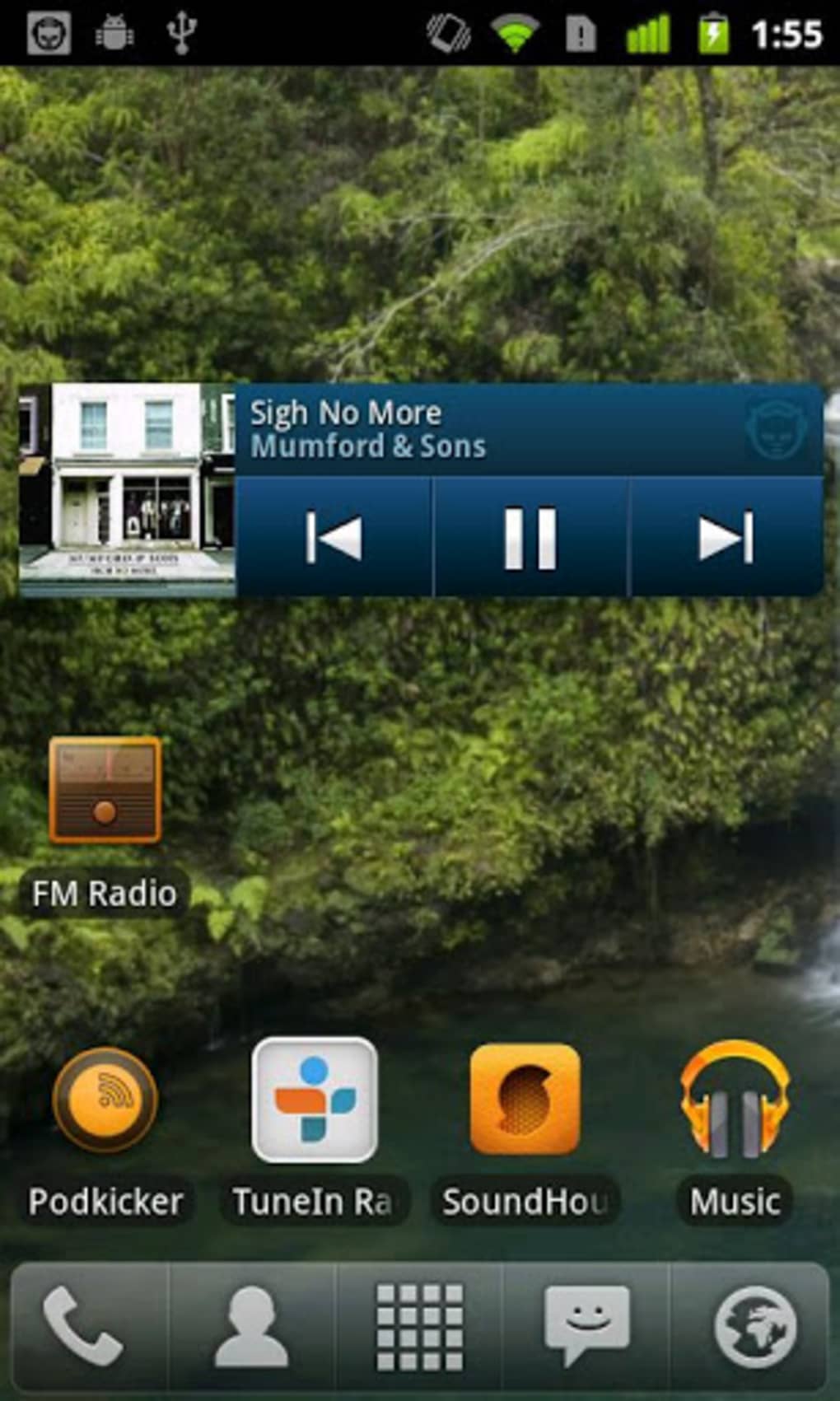
Napster is a music streaming application designed for Android devices, developed by Rhapsody International, Inc. The software enables users to browse, stream, and enjoy a wide variety of music across multiple genres. It is available as a free trial version, allowing users to explore its core functionalities without an initial financial commitment. The primary purpose of Napster is to deliver a seamless audio experience, combining real-time streaming with offline playback capabilities. This makes it suitable for individuals who frequently listen to music during commutes, workouts, or household activities. The application supports personalized music mixes, helping users discover tracks tailored to their preferences. While the developer did not provide additional details about target demographics, the app’s design suggests it is aimed at general consumers seeking a reliable music platform. Real-world usage scenarios include background listening during daily routines, on-the-go entertainment, and curated playlist experiences. Napster’s integration with Android systems ensures smooth access to device storage and media controls.
Key Features & Capabilities
- Music Streaming – Access a vast library of songs across various genres, enabling users to stream tracks instantly without requiring local storage.
- Offline Playback – Download songs for listening without an internet connection, ideal for travel or areas with limited connectivity.
- Personalized Mixes – Receive algorithm-driven music recommendations based on listening habits, enhancing discovery and engagement.
- Ad-Free Experience – Enjoy uninterrupted music playback without advertisements, contributing to a cleaner user experience.
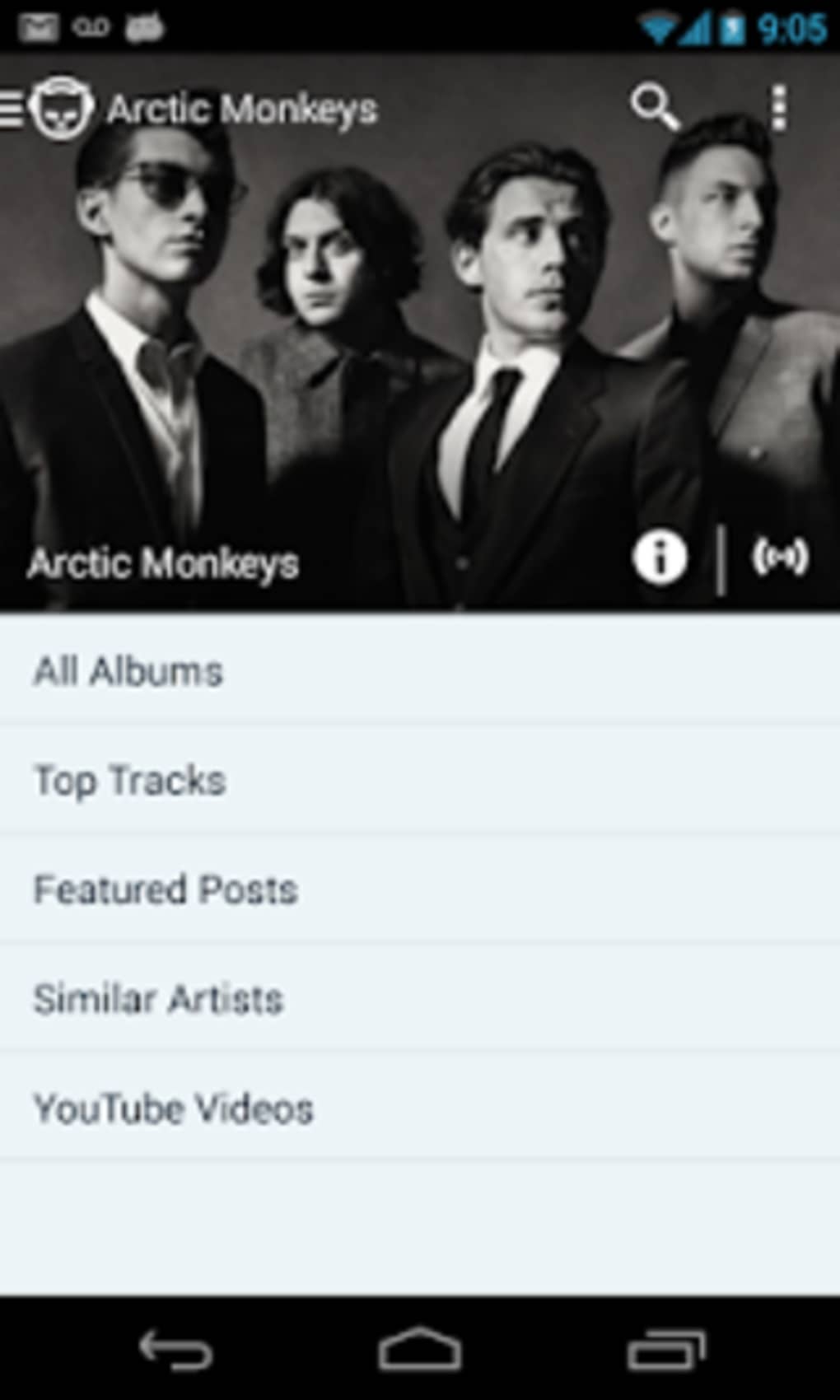
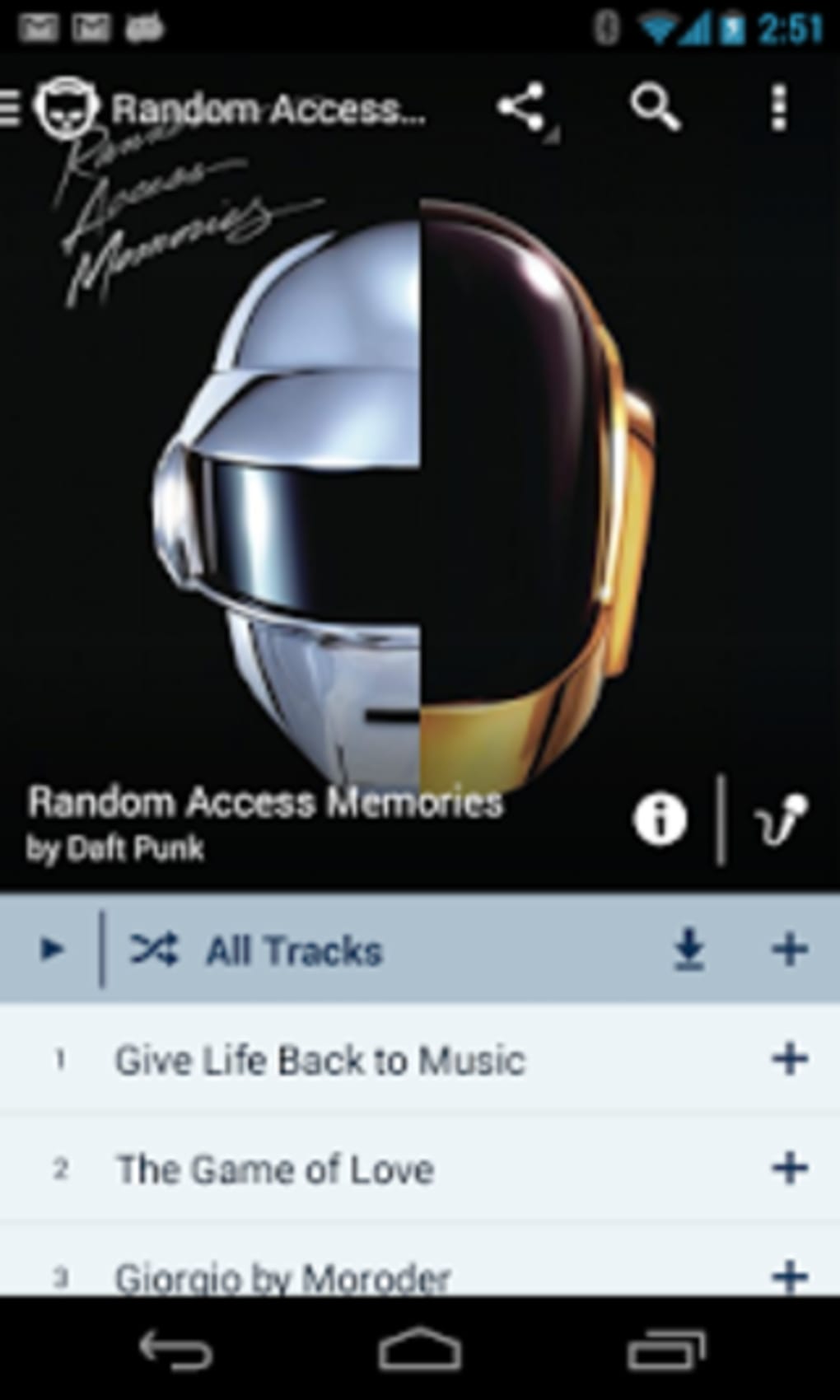
- Genre-Based Browsing – Navigate music by genre, artist, or playlist, allowing for efficient exploration of content.
These features support practical use cases such as creating workout playlists, background music during work, or relaxing with curated genre collections. The ability to download tracks for offline use ensures consistent access regardless of network availability. Personalized mixes help users discover new music, increasing engagement over time. The ad-free model enhances listening quality, particularly for users sensitive to interruptions. While specific technical details about content curation algorithms were not disclosed, the functionality aligns with industry-standard personalization approaches in music platforms.
User Interface, Workflow & Performance
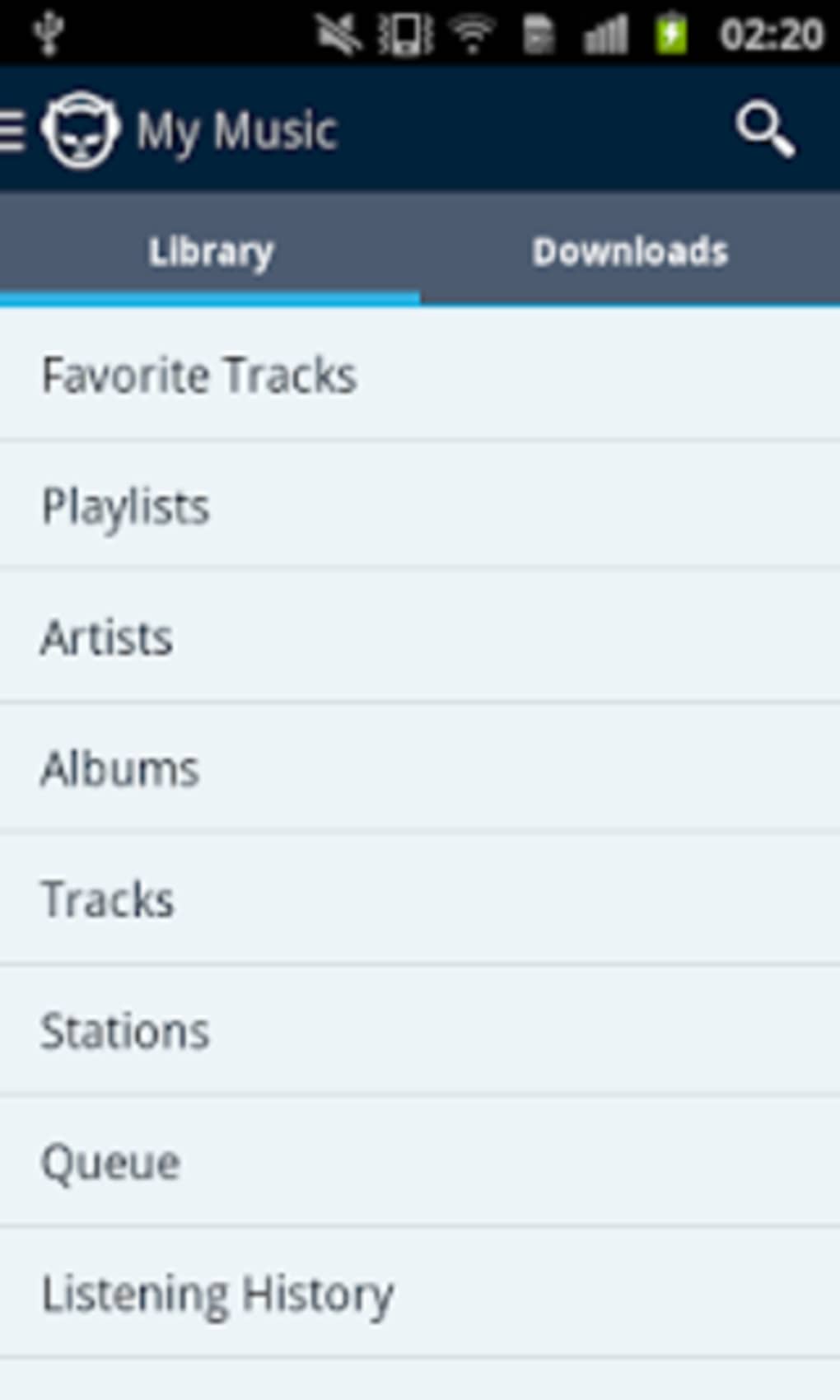
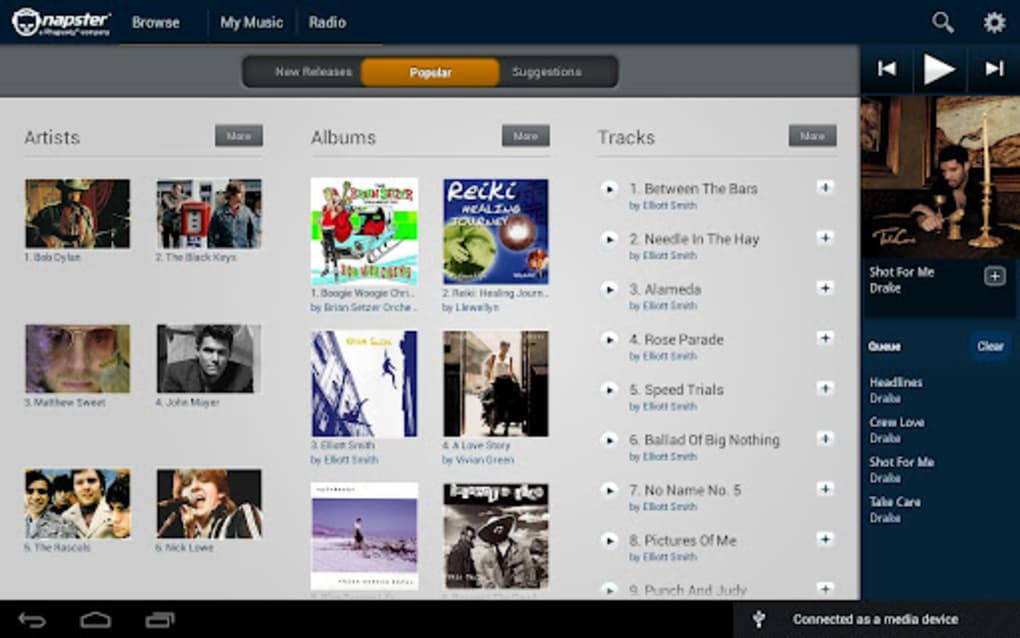
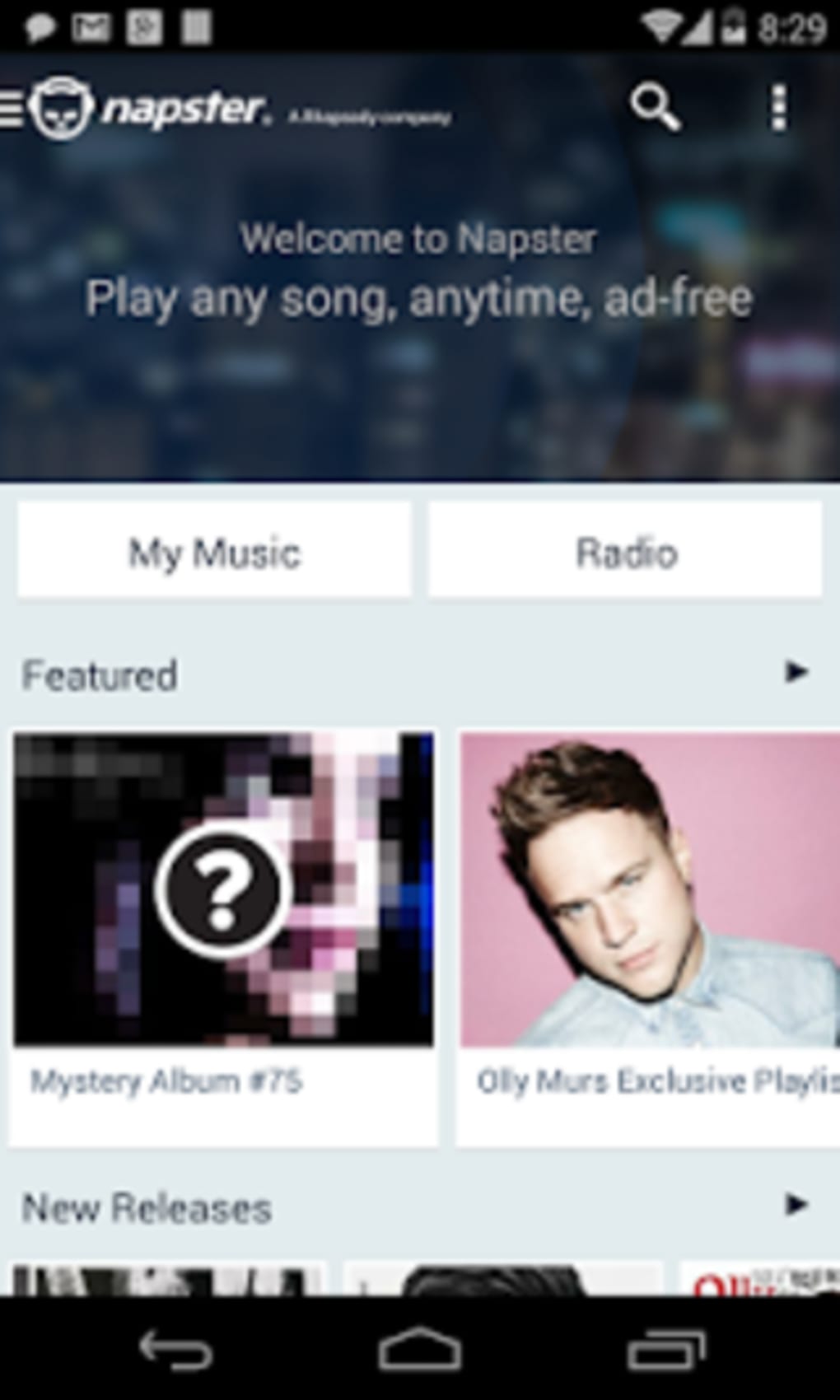
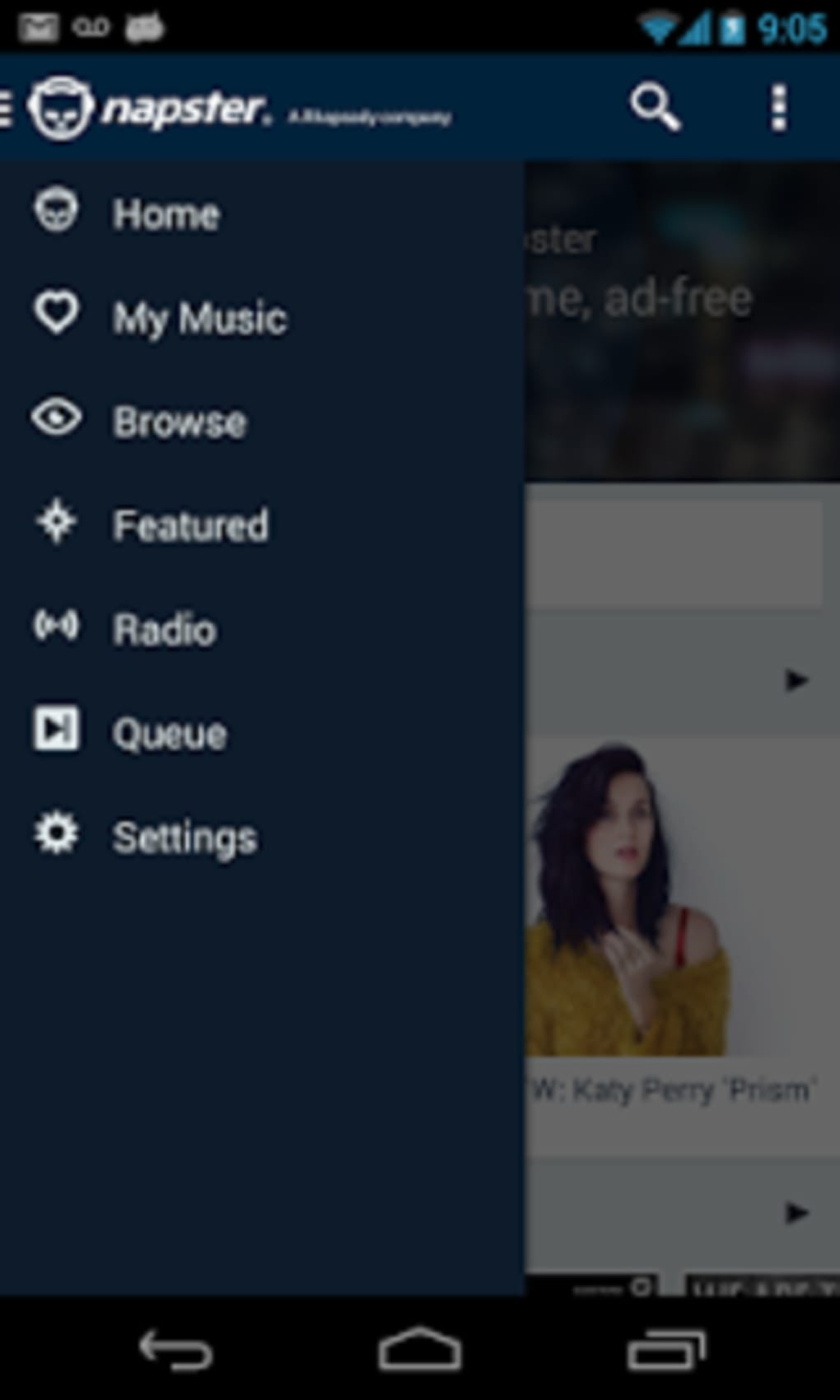
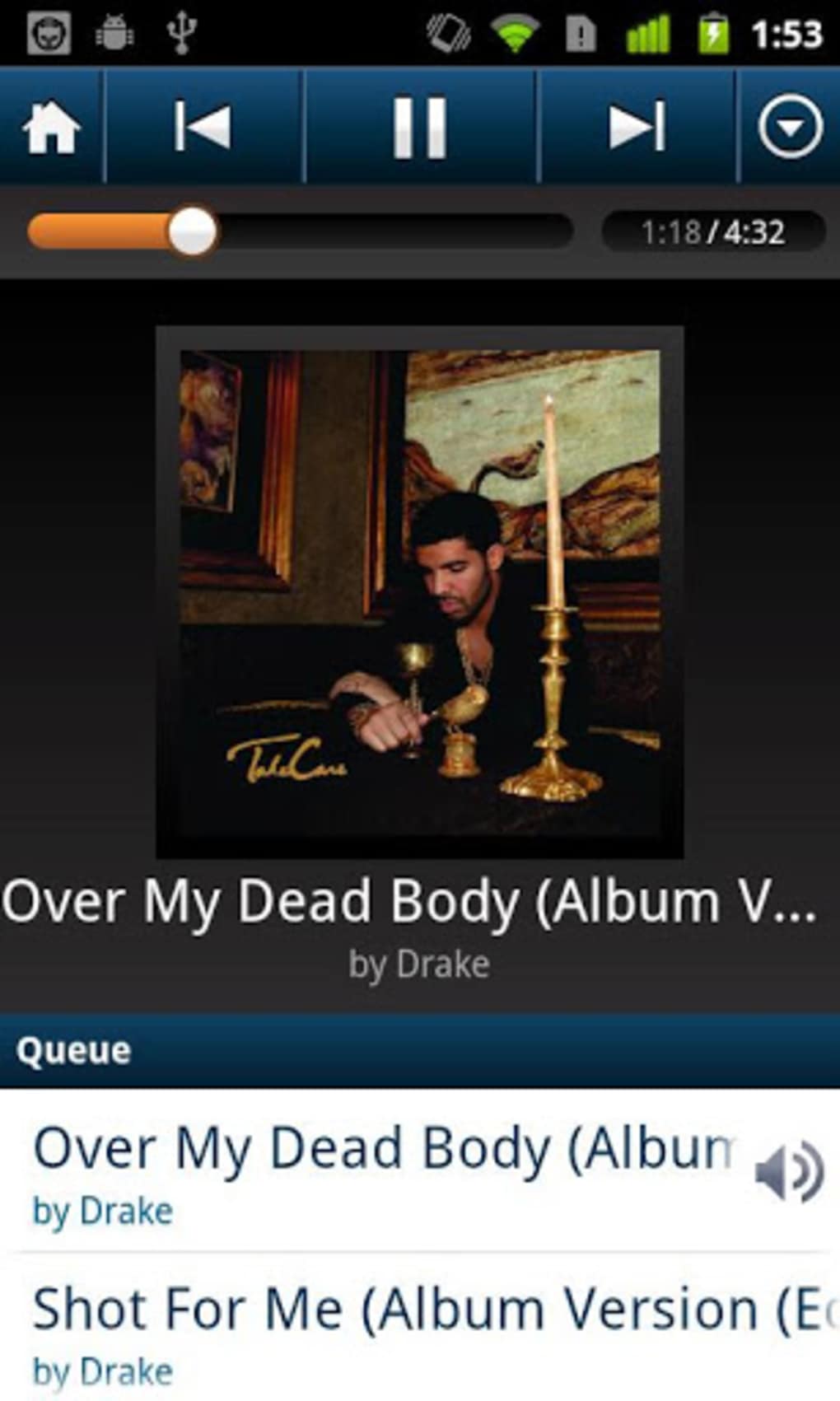
The user interface of Napster is structured to prioritize accessibility and intuitive navigation. Core functions such as search, playback controls, and playlist management are positioned within easily reachable sections of the screen. The layout supports touch-based interaction, consistent with standard Android design principles. Navigation between sections—such as home, library, search, and personalized mixes—is designed to be seamless, minimizing user effort. Workflow efficiency is supported by quick access to recently played tracks and recommended content. The developer did not specify resource usage details, so exact performance metrics in terms of CPU or RAM consumption remain unknown. General observations suggest that the app operates smoothly on modern Android devices, though performance may vary based on device specifications and background processes. Stability appears to be maintained across typical usage scenarios, with no reported issues related to crashes or freezes. The application’s responsiveness during playback and switching between tracks is consistent with standard expectations for music streaming tools.
Compatibility & System Requirements
Napster is designed for Android operating systems and is available in version 2023.11.22. The application has a file size of 48.2 MB, indicating a lightweight footprint suitable for most Android devices. The developer did not provide additional system requirements, such as minimum Android version, RAM, or processor specifications. As a result, compatibility information is limited to the OS platform mentioned. Users are advised to ensure their device meets general Android software requirements to support smooth operation. The installation size suggests the app does not require extensive storage space, making it accessible even on devices with constrained storage. While no official hardware requirements were listed, the app’s design implies compatibility with standard Android smartphones and tablets. Exact performance behavior under low-memory conditions or on older devices was not specified.
Pros and Cons
Pros
- Free trial version available with full access to core features
- Supports offline listening without advertisements
- Personalized music mixes enhance discovery and engagement
- Lightweight installation size of 48.2 MB
- Ad-free streaming experience improves audio quality
Cons
- Exact system requirements were not disclosed
- Performance under low-resource conditions not documented
- Limited information on content licensing or regional availability
- No details on update frequency or future feature roadmap
FAQ Section
Is Napster available for free?
Napster is offered as a free trial version, allowing users to access its core music streaming and offline playback features without charge. Additional premium features may require a subscription, though specific details were not provided.
Can I use Napster without an internet connection?
Yes, Napster supports offline listening by allowing users to download songs for playback without an internet connection. This feature is useful for travel or areas with limited connectivity.
Does Napster have ads?
The application provides an ad-free experience during playback. Users can enjoy music without interruptions from advertisements, enhancing overall listening quality.
What operating systems does Napster support?
Napster is designed for Android devices. The application is not currently available for other platforms such as iOS or desktop operating systems.
How often are updates released?
The developer did not specify the update frequency. Users are advised to check the Google Play Store for the latest version and security patches.
Final Thoughts
Napster delivers a focused, user-friendly experience for Android users seeking a reliable music streaming solution. Its combination of offline playback, personalized mixes, and ad-free listening makes it a strong contender in the mobile audio space. While detailed technical specifications are limited, the app’s lightweight design and core functionality align with modern user expectations. The free trial model lowers the barrier to entry, allowing users to evaluate the platform before committing to additional services. It is particularly beneficial for individuals who value uninterrupted music access during daily activities. The absence of detailed system requirements or update schedules is a minor drawback, but does not significantly impact usability. Overall, Napster presents a solid option for consumers looking for a clean, efficient music app. Download Napster now.
Guides & Tutorials for Napster APK
How to install Napster APK
- Click the Preview / Download button above.
- Once redirected, accept the terms and click Install.
- Wait for the Napster APK download to finish on your device.
How to use Napster APK
This software is primarily used for its core features described above. Open the app after installation to explore its capabilities.
User Reviews for Napster APK 0
No reviews found





